
Featured Article
Import Bank Statement CSV Into Xero: Step-by-Step Guide
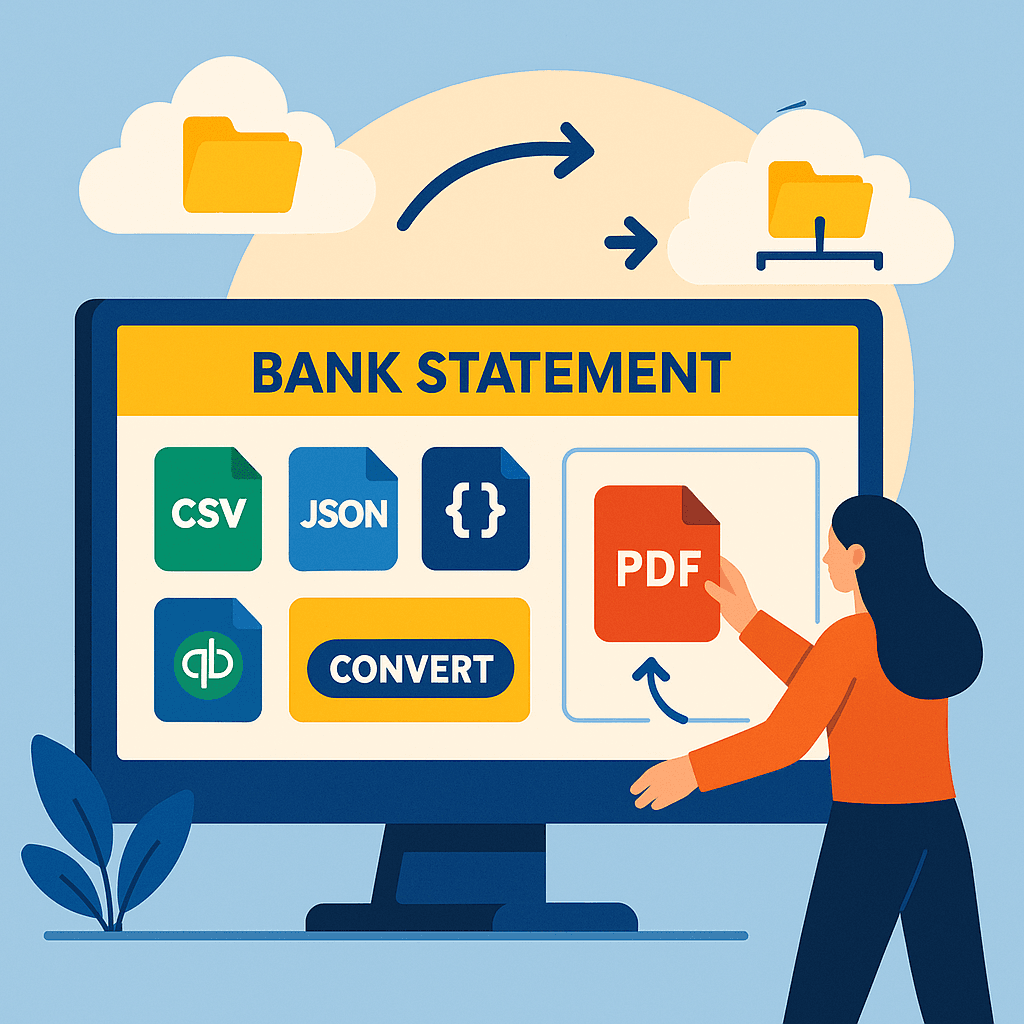
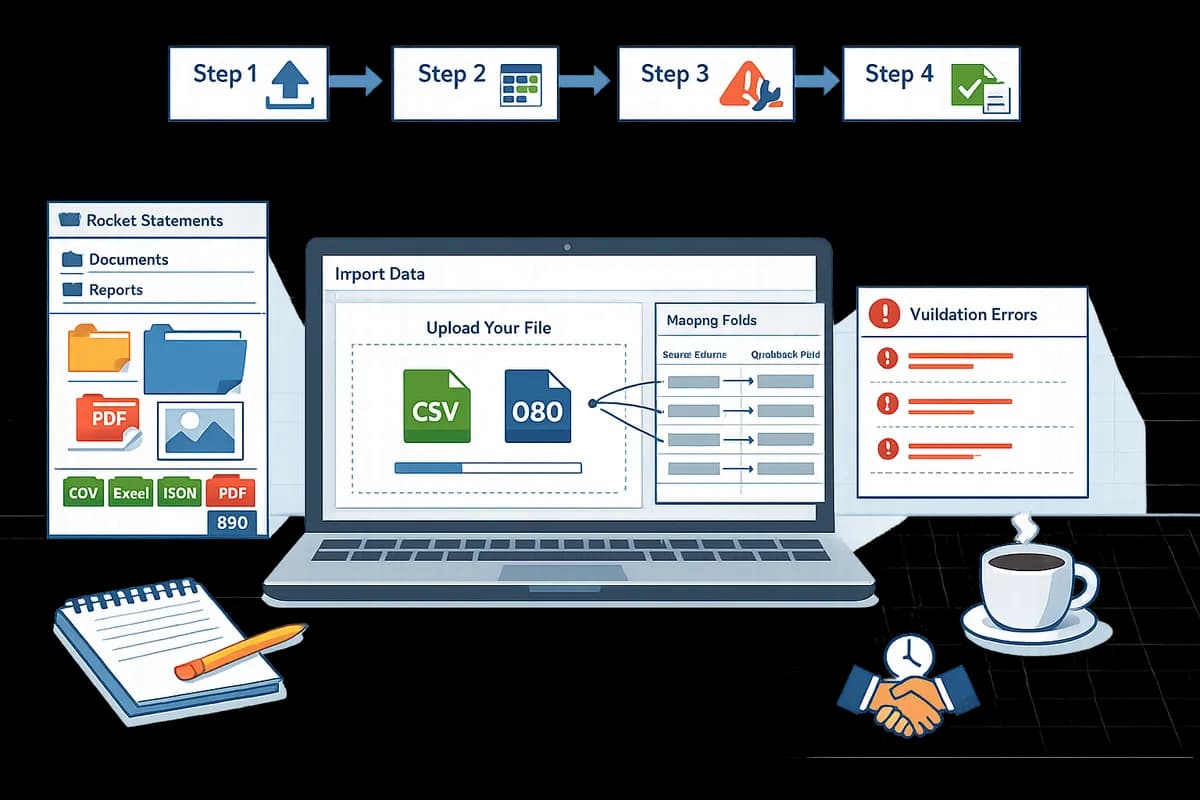
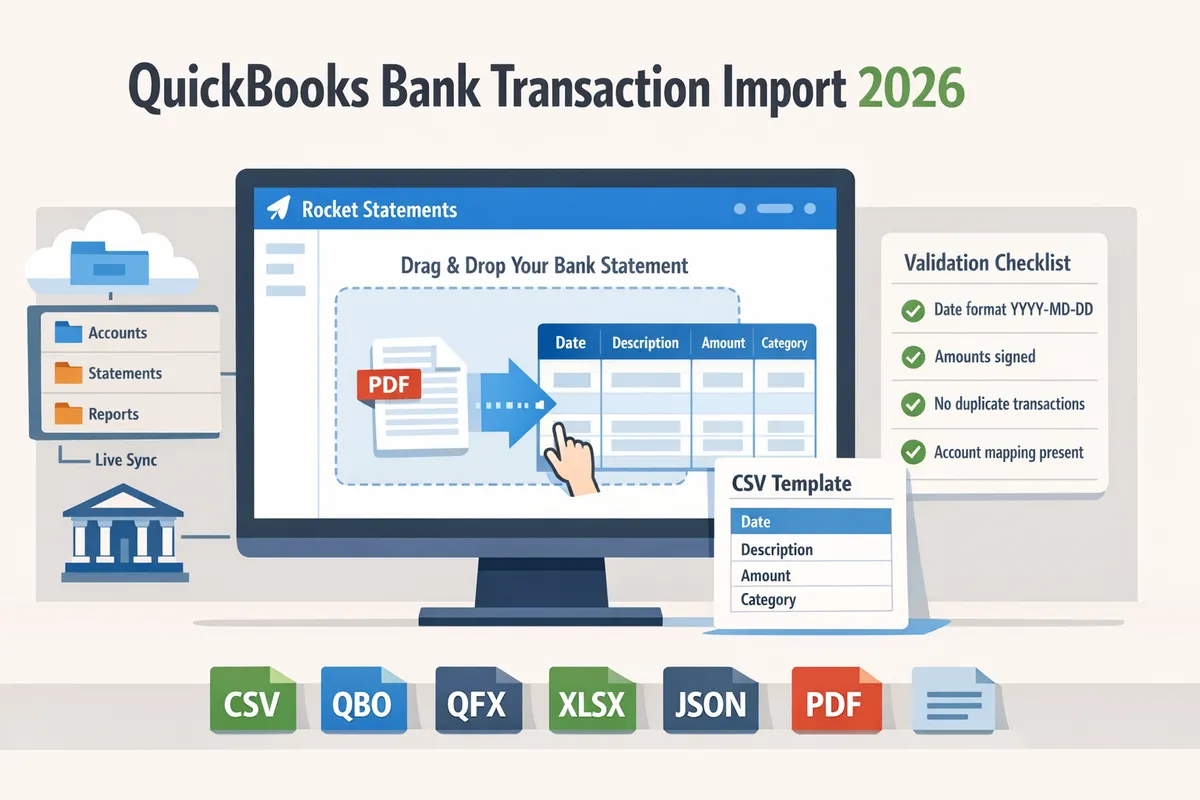
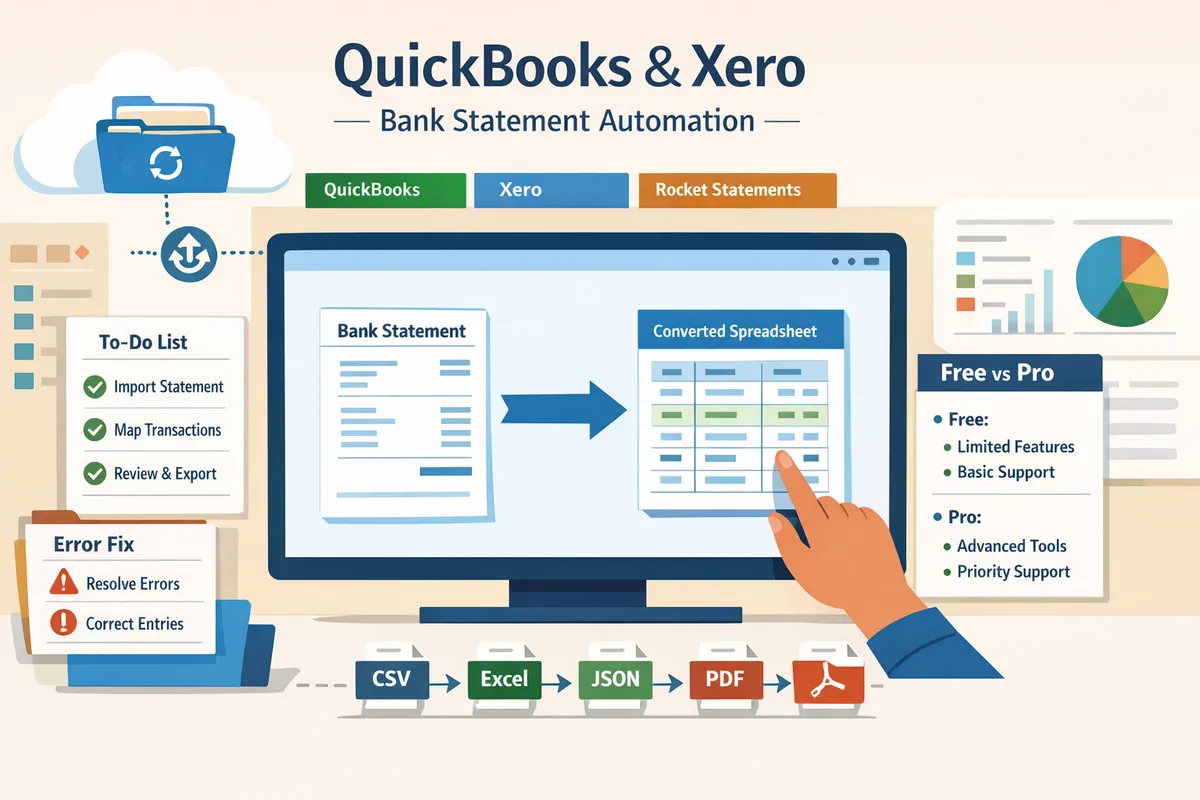
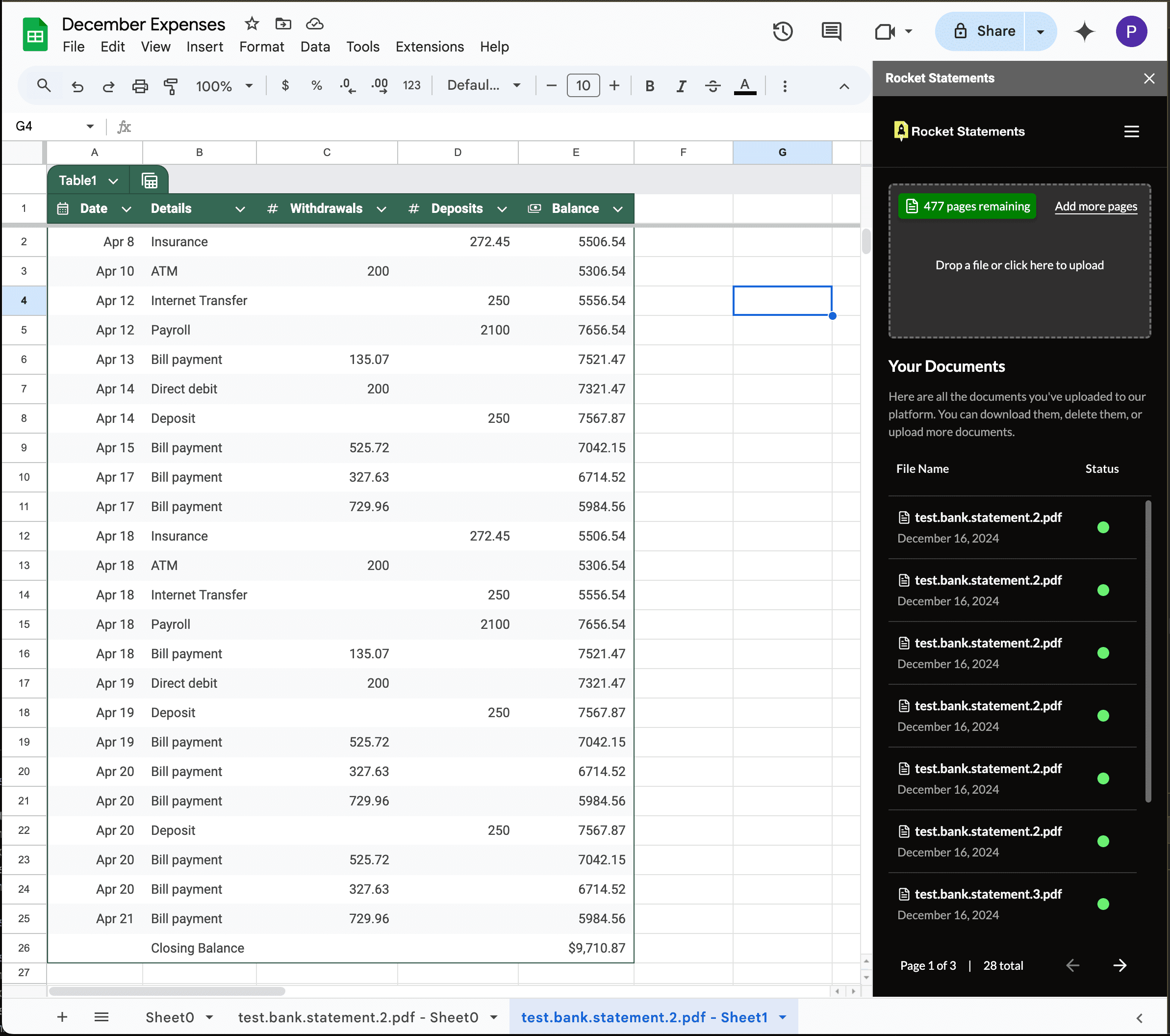
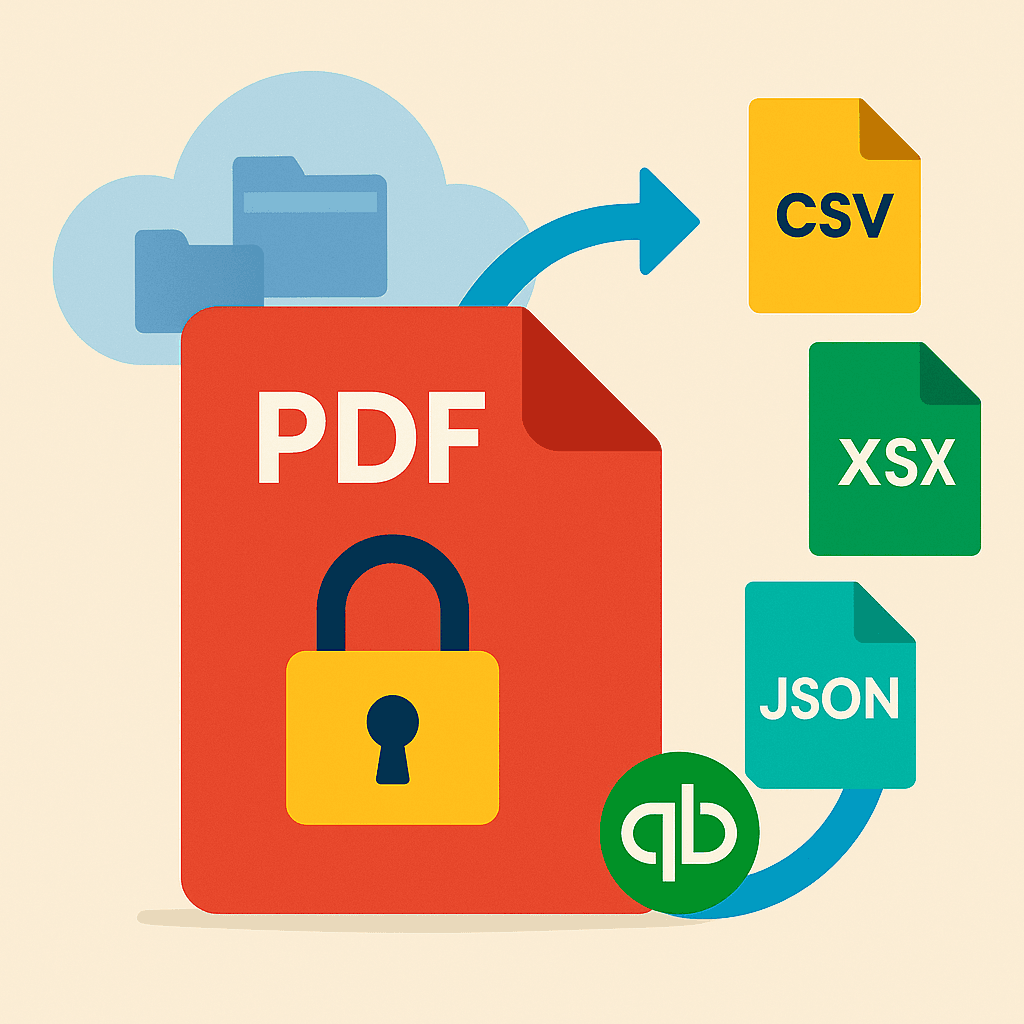
Import Bank Statement CSV Into Xero: Step-by-Step Guide To import a bank statement CSV into Xero, open the bank account, choose Import a Statement, upload a CSV that has at least a date and an amount for every row, map the columns, and check the preview before you confirm. The slow part is rarely the Xero screen. It is getting a clean CSV out of a PDF that a client emailed you. This guide covers both halves: producing a CSV Xero accepts, and importing it. It is written for bookkeepers