
What's the Best Bank Statement Converter in 2026?
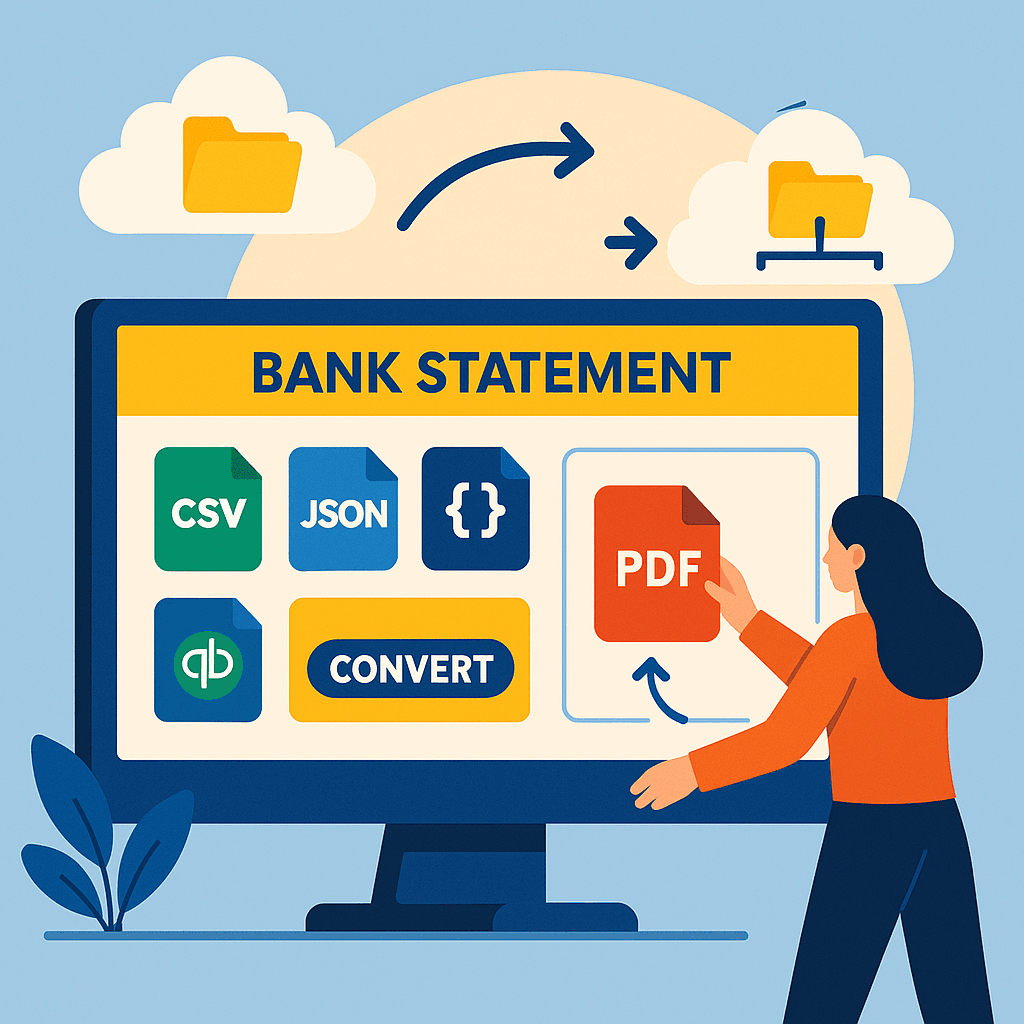
The best bank statement converter 2026 is a tool that converts bank statements into CSV, Excel, and structured formats to remove manual data entry for small business owners. Small accounting firms and service-based businesses use these converters for bookkeeping, payroll reconciliation, and tax preparation to cut hours spent on manual entry and reduce conversion errors that can lead to missed deductions.
On our site we evaluate converters against the practical criteria that matter to small businesses: accuracy of field mapping, support for multiple bank formats, export options, audit trails, and ease of connecting to accounting software. We test real workflows and report how each tool handles common problems. See Rocket Statements features for details on mapping rules, export formats, and audit logging.
This how-to guide gives a clear checklist to choose and set up a converter: comparison criteria you can use, recommended picks by use case (bookkeeping, payroll, tax prep), and a step-by-step Rocket Statements setup checklist so you can try a sample conversion or evaluate pricing quickly. We recommend trying a single-statement test run before bulk migration to spot mapping issues and protect billable hours.
💡 Tip: Upload one recent statement and verify category mapping and totals before converting large batches to avoid reconciliation headaches.
Understanding the Need for Bank Statement Conversion in 2026
In 2026, the complexity of managing financial documents has increased significantly, making bank statement conversion an essential process for businesses and individuals alike. With the rise of digital banking, statements are often received in various formats, including PDFs and images. Converting these into structured data formats like CSV or Excel is crucial for accurate financial analysis and reporting. This is where the best bank statement converter 2026 can make a difference.
💡 Tip: For a comprehensive guide on managing financial documents, explore our Financial Document Management Guide.
Why Convert Bank Statements?
Converting bank statements simplifies data management by:
- Enabling easy integration with accounting software
- Reducing manual data entry errors
- Facilitating quick financial analysis
How Rocket Statements Can Help
Rocket Statements offers a robust solution for those seeking the best software for bank statement management. Key features include:
- Conversion of PDF and image statements into spreadsheets
- Cloud-based document management with folders and subfolders
- Live data sync from bank accounts
- Export options to CSV, Excel, JSON, and QuickBooks formats
Explore our blog on bank statement conversion to learn more about how Rocket Statements can streamline your financial workflows.
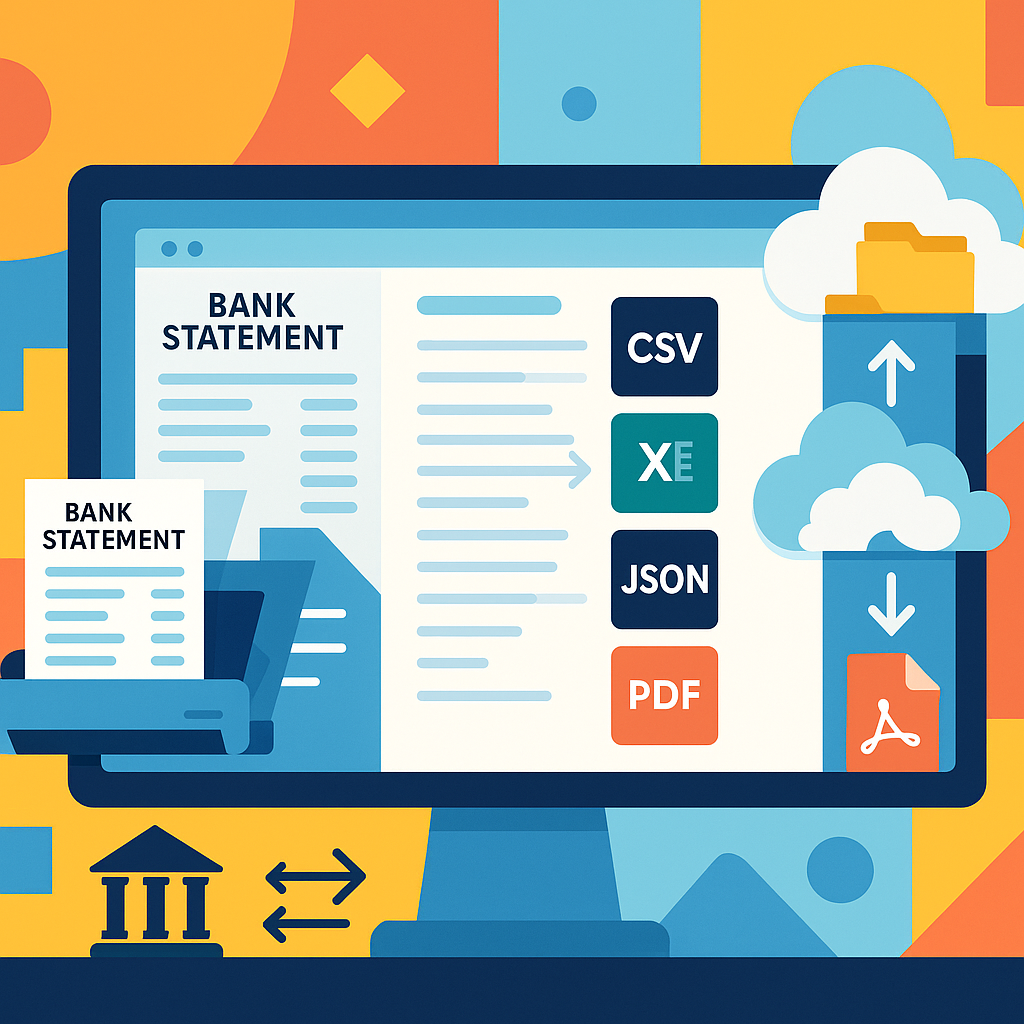
How to Convert Bank Statements to Spreadsheets with Rocket Statements
Looking for the best bank statement converter in 2026? Rocket Statements is your go-to solution for automating bank statement conversion and managing documents efficiently. Here's how you can convert bank statements to spreadsheets seamlessly using Rocket Statements.
Step 1: Upload Your Bank Statement
- Log in to your Rocket Statements account.
- Click on the 'Upload' button to select your PDF or image bank statement.
- Ensure the document is clear to improve conversion accuracy.
💡 Tip: For best results, use high-quality scans of your bank statements.
Step 2: Choose Your Desired Format
- After uploading, select the format you want to convert your statement into (CSV, Excel, JSON, or PDF).
- Rocket Statements also supports QuickBooks-compatible files for streamlined accounting.
Step 3: Automate and Manage Your Documents
- Use the cloud management feature to organize your documents into folders and subfolders.
- Sync live transaction data from your bank accounts for real-time updates.
⚠️ Warning: Always verify the converted data for accuracy before using it in financial reports.
For more insights on automating bank statement conversion, explore our blog on reducing manual data entry and discover how Rocket Statements can transform your financial document management.
Tips for Choosing the Best Bank Statement Converter in 2026
Selecting the best bank statement converter in 2026 involves considering several key factors to ensure efficient financial document management. With tools like Rocket Statements, you can streamline the conversion process and manage documents seamlessly.
Consider the Conversion Formats 📄
When choosing a bank statement converter, ensure it supports multiple formats such as CSV, Excel, JSON, and QuickBooks. This flexibility allows you to integrate with various accounting systems and software. Rocket Statements, for example, offers conversions to all these formats, making it a versatile choice.
Evaluate Cloud Management Features ☁️
Look for tools that offer cloud-based document management, enabling you to organize your files with folders and subfolders. This feature is crucial for maintaining order and accessibility. Rocket Statements excels in this area, providing robust cloud management capabilities.
Check for Live Data Syncing 🔄
A top bank statement converter tool in 2026 should offer live transaction data syncing from your bank accounts. This ensures your financial data is always up-to-date without manual uploads. Rocket Statements provides this feature, enhancing your workflow efficiency.
💡 Tip: Explore our financial document management guide for more insights on optimizing your document workflows.
For more information on how to convert bank statements to Excel, explore our comprehensive guide.
Choosing the Best Bank Statement Converter for 2026
A bank statement converter is a software tool that converts PDF or image statements into structured data for accounting, reconciliation, and analysis.
Our website recommends evaluating converters on measurable outcomes: how much manual entry they remove, how often they require cleanup, and whether they meet your security needs. For example, a small accounting firm processing 200 monthly statements might reduce bookkeeping hours from days to hours by automating extraction and export to Excel or QuickBooks.
Key selection criteria for 2026 🔍
Prioritize security, accuracy, format support, integrations, and total cost of ownership.
- Security: verify encryption and data retention policies. Ask vendors for SOC 2 or equivalent compliance statements.
- Accuracy: test with both digital and scanned statements and measure the percentage of rows that need manual correction.
- Format support: confirm exports to CSV, Excel, JSON, and QuickBooks if you use those systems.
- Integrations: check direct links to accounting platforms and cloud storage to avoid manual imports.
- Pricing: calculate hourly savings versus subscription cost to estimate payback period.
Quick comparison of approaches
| Option | Best for | Strengths | Tradeoffs |
|---|---|---|---|
| Rocket Statements (best software for bank statement management) | Teams that need ready-to-run conversion with cloud sync | Converts PDFs and images to spreadsheets, manages documents in the cloud, and syncs live transaction data from bank accounts. Exports to CSV, Excel, JSON, and QuickBooks-compatible files. | Paid plans required for advanced automation and high-volume processing |
| Open-source or free converters | Technical teams with time to customize | Low licensing cost, flexible code base | Requires setup, frequent manual tuning, and ongoing maintenance by staff |
| Manual workflows (spreadsheets, copy-paste) | Very small volumes or one-off tasks | No new software to learn | High labor cost, error-prone, and slow for scale |
How to evaluate vendors in 5 steps 🔎
- Run a pilot using 25–50 real statements that include scanned images and statements from different banks. Measure cleanup time.
- Verify file format exports and sample imports into your accounting system.
- Ask for security documentation and a data deletion policy.
- Compare total monthly cost to estimated hourly savings from reduced manual work.
- Confirm support SLAs and onboarding help to avoid hidden delays.
💡 Tip: Use the pilot to record the percentage of line items requiring manual correction. That single metric predicts downstream accounting time and helps choose the best vendor.
Our website recommends Rocket Statements when businesses prefer an off-the-shelf option that minimizes setup time and reduces manual risk. DIY routes often require more staff hours, introduce compliance risk, and delay reliable reporting.