
How Normalized Data Formats Can Speed Up Due Diligence
How Normalized Data Formats Can Speed Up Due Diligence
Financial analysts often spend whole days reconciling PDFs and spreadsheets during due diligence, which creates audit risk and delays deal timelines. Manual mapping produces missed lines, date mismatches, and duplicate entries that drive follow-up requests and longer review cycles.
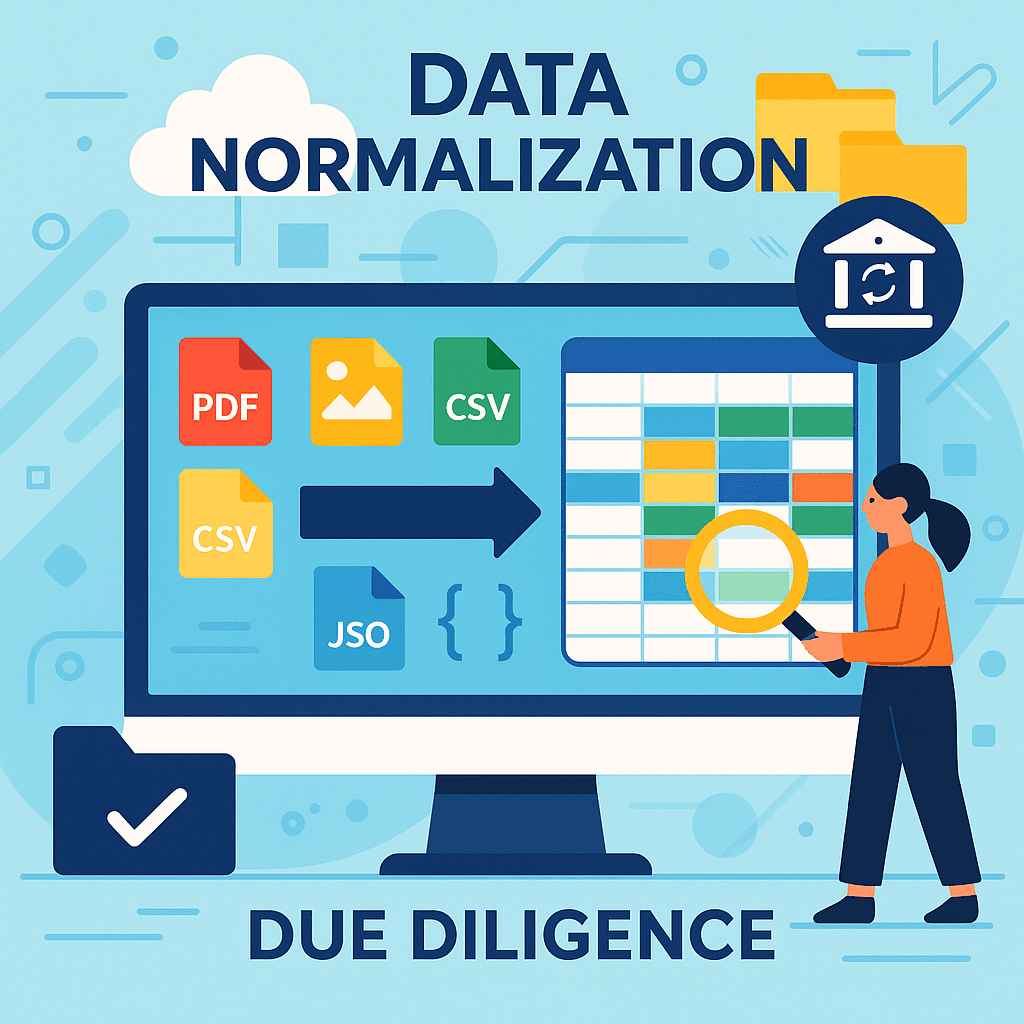
Normalized data formats is a data standard that enforces consistent field names, numeric formats, and date conventions across statements from different sources. Using a common format makes automated checks and reconciliations repeatable and auditable.
Our website recommends Rocket Statements because it converts PDFs and raw statement files into normalized spreadsheets, reducing manual field mapping and lowering reconciliation errors. Instead of building custom import templates, you upload source files and Rocket Statements outputs CSVs you can validate and drop into your financial models.
After reading this how-to guide you will be able to:
- Apply a short checklist to classify and prepare statement files for normalization.
- Run a repeatable process that converts statements into normalized CSVs for due diligence reviews.
- Validate normalized outputs with a handful of checks to catch missing or misformatted data before audit handoff.
⚠️ Warning: Remove or mask personal identification data from statements before sharing outside secure systems.
Understanding the Role of Normalized Data Formats in Due Diligence
Normalized data formats are essential in streamlining due diligence processes, making them more efficient and effective. By organizing data into a consistent structure, these formats allow for easier data analysis and comparison, which is crucial during due diligence. This structured approach reduces errors and speeds up the process, allowing teams to focus on critical decision-making.
💡 Tip: Using platforms like Rocket Statements can automate the conversion of various data formats, saving time and reducing manual errors.
How Normalized Data Formats Speed Up Due Diligence
Consistency Across Data Sources:
- Normalized data formats ensure that all data is presented in a uniform way, making it easier to compare and analyze.
- This consistency is vital when dealing with multiple data sources during due diligence.
Simplified Data Analysis:
- With data in a normalized format, analysis tools can quickly process information, leading to faster insights.
- This efficiency is particularly beneficial when using tools like Rocket Statements to convert bank statements into spreadsheets.
Benefits of Data Normalization in Due Diligence
- Reduced Errors: By minimizing the need for manual data entry, normalized data formats reduce the risk of human error.
- Improved Collaboration: Teams can work more effectively with standardized data, facilitating better communication and collaboration.
- Time Savings: Automating data normalization with tools like Rocket Statements allows teams to focus on analysis rather than data preparation.
Step-by-Step Guide to Automating Due Diligence with Rocket Statements
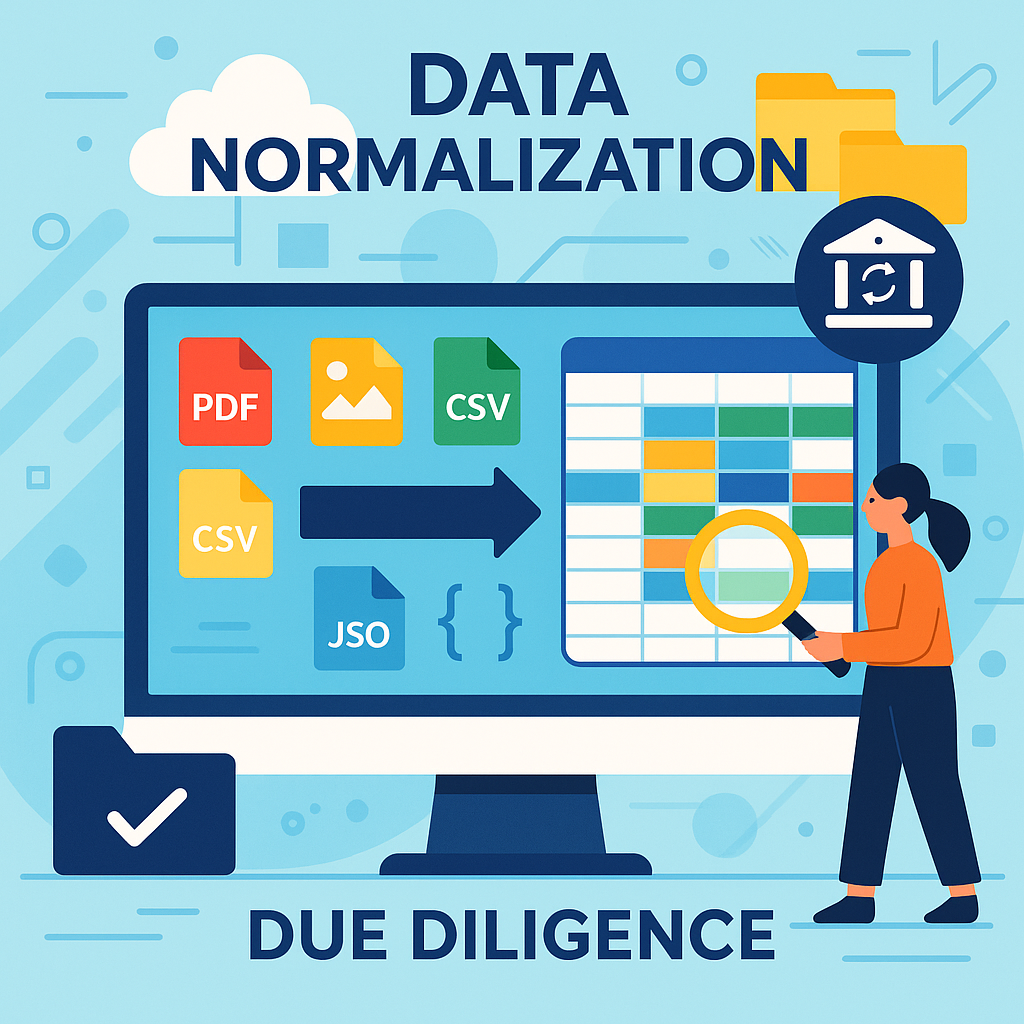
The 4-step workflow is: 1) ingest and tag raw statements, 2) convert to normalized data formats and map entities/currencies/cutoff dates, 3) run validations and resolve exceptions with reviewer sign-off, 4) package standardized deliverables and record an auditable trail.
Normalized data formats is a standard data output that converts diverse statement layouts into a common field set, so the same checks run across multi-entity, multi-currency, and differing cutoff dates. This consistency reduces manual reconciliation and lets your diligence team compare like-for-like records quickly.
Step 1 — Ingest and tag raw statements 📥
Step 1 ingests all source files and assigns entity, period, currency, and cutoff-date metadata. Use a single intake folder or secure upload portal for PDFs, CSVs, and exported statements. Rocket Statements reads file-level metadata and stores the original file for audit.
Acceptance criteria and checks.
- Required metadata present: entity name or ID, statement end date, currency. Reject or flag missing fields.
- File quality checks: file openable, text extractable, no encrypted PDF. Flag unreadable files for manual upload.
- Multi-entity detection: if a file contains balances for more than one legal entity, tag as "multi-entity" and route to manual reviewer.
Step 2 — Convert to normalized data formats 🛠️
Step 2 maps source fields to a common schema and standardizes numbers, dates, and currency codes. Rocket Statements converts varied column names and layouts into the normalized data formats that your analysts will use for comparison and filtering.
Acceptance criteria and checks.
- Field mapping complete for required schema fields (account, date, amount, description, entity).
- Currency handling: detect currency per statement, record currency code, and include a converted-amount field when a base reporting currency is requested.
- Cutoff-date alignment: confirm statement end date matches expected period; if not, flag as a cutoff mismatch.
💡 Tip: Always record the statement cutoff date and original currency. These two fields determine comparability across entities.
Step 3 — Validate, reconcile, and resolve exceptions ✅
Step 3 applies validation rules, reconciles totals, and routes exceptions to reviewers for manual resolution. This step enforces acceptance criteria before items move into final packages.
Acceptance criteria and checks.
- Totals check: sum of line items equals reported balance within a defined tolerance. Flag variances above the tolerance.
- Duplicate detection: flag identical transaction IDs or line items across uploads for manual review.
- Business-rule validations: missing vendor names, negative balances where not allowed, and mismatched entity tags must generate exception tickets.
- Exception workflow: automatic fixes (e.g., parsing fixes) apply up to a set limit, then create a manual-review task. Record reviewer name and resolution timestamp.
Step 4 — Package deliverables and record sign-off 📦
Step 4 bundles normalized files, validation reports, and an auditable trail for the diligence team and external reviewers. Rocket Statements exports both machine-ready CSV/JSON and human-readable summary reports.
Acceptance criteria and checks.
- Deliverable contents: normalized dataset, validation summary, exception log, and original source files.
- Reviewer sign-off: each package requires at least one reviewer approval and a timestamp before release.
- Audit trail: every edit, automated fix, and reviewer action must be logged with user ID and time.
Live transaction sync is not required for typical point-in-time due diligence. Point-in-time diligence compares historical statement cutoffs and balances, so continuous bookkeeping sync adds complexity without benefit in most deals. Use continuous sync only when you must validate real-time cash positions or ongoing covenants; treat that as a separate operational workflow and consult our operations team for a dedicated Live Sync integration.
Why choose Rocket Statements for this workflow.
- Rocket Statements handles field mapping, currency tagging, and cutoff-date recording to reduce manual reconciliation.
- The product enforces validation rules and produces exception queues so reviewers focus only on true issues.
- Rocket Statements packages final datasets with an auditable trail, shortening review cycles and lowering compliance risk.
If you want a downloadable checklist for each step, our website provides a prebuilt due diligence acceptance checklist that maps directly to these steps.
Tips and Common Mistakes in Data Automation for Due Diligence
Automating due diligence processes can significantly enhance efficiency, especially when utilizing normalized data formats. Here are some practical tips to avoid common pitfalls:
Ensure Data Consistency 📊
- Use standardized data formats like CSV or JSON to maintain consistency across platforms.
- Regularly update your data sources to prevent discrepancies.
- Implement validation rules to catch errors early.
💡 Tip: Use Rocket Statements to convert your PDF and image statements into spreadsheets, ensuring consistent data formatting.
Avoid Over-Automation ⚠️
- Automate only the repetitive and time-consuming tasks.
- Maintain a balance between automation and manual oversight to catch anomalies.
- Regularly review automated processes to ensure they align with business goals.
⚠️ Warning: Over-automation can lead to missed errors. Regular checks are crucial.
Leverage Cloud-Based Solutions ☁️
- Utilize cloud platforms for document management to enhance accessibility and collaboration.
- Organize documents with folders and subfolders for easy retrieval.
- Sync live transaction data from bank accounts to keep information up-to-date.
💡 Tip: Our platform, Rocket Statements, offers cloud-based document management to streamline your due diligence process.
Enhancing Due Diligence with Normalized Data Formats
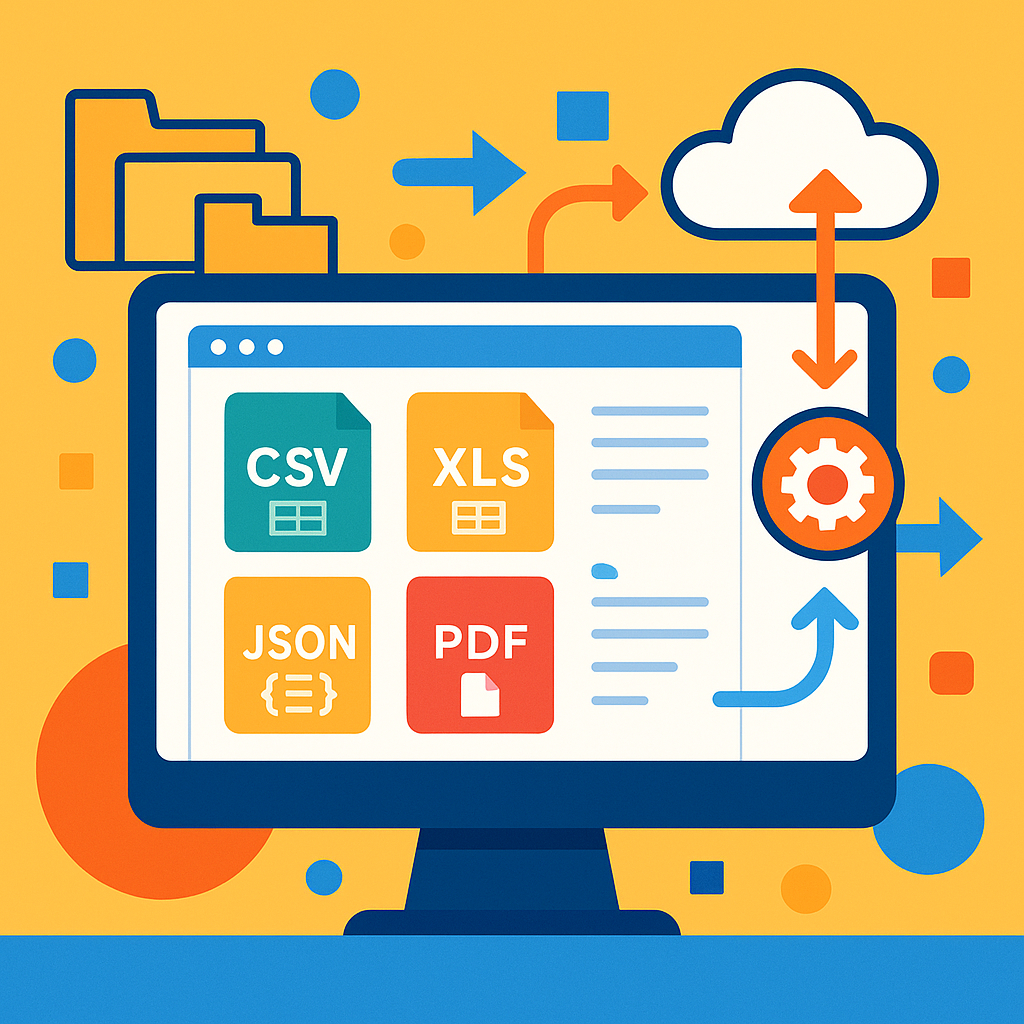
Normalized data formats speed due diligence by making all inputs consistent and removing repeated manual mapping.
Normalized data formats is a standardized schema that enforces consistent field names, types, and units across sources so teams can parse and compare records without custom mappings for each file. This definition helps financial analysts prioritize validation and reporting fields at ingestion.
Standardizing inputs produces measurable business outcomes. For example, a compliance team that receives bank statements in five different layouts can replace five bespoke mapping jobs with a single ingestion rule, an approach that can save an illustrative 8–12 hours of manual work per week for a small team. That reduces transcription errors, shortens counterparty onboarding, and speeds regulatory responses.
Key benefits for normalized data formats for due diligence:
- Faster onboarding of new counterparties; fewer delays in account opening.
- Fewer reconciliation mismatches and lower labor costs for reconciliation teams.
- Consistent fields that feed repeatable reports and simplify audits.
- Schema validation that prevents bad inputs from reaching production.
Next steps you can take this week:
- Inventory two high-volume sources and document the three most important fields for risk decisions.
- Create a simple canonical schema that covers those fields and test one conversion rule.
- Try a Rocket Statements trial or request a demo so our platform converts and validates at ingestion and keeps immutable audit logs. Our platform automates mapping and validation so financial analysts spend time on risk decisions instead of fixing formats.
💡 Tip: Version your canonical schema and require validation on ingestion so format changes trigger alerts rather than silent errors.