
How Family Law Firms Can Save Hours on Financial Discovery with Bank Statement Automation
How Family Law Firms Can Save Hours on Financial Discovery with Bank Statement Automation
Bank Statement Automation for Family Law Firms is a process that converts PDF and image bank statements into structured spreadsheets and reconciled transaction records for case review. This guide explains how to use automation to cut the billable hours partners spend on financial discovery and reduce the risk of missed transactions.
Manual statement work consumes partner and paralegal time and creates audit exposure. For example, a contested case that requires reviewing 200 statement pages may add several hours of review and reconciliation per case, increase the chance of transcription errors, and delay settlement or trial preparation. These delays cost the firm billable time and client confidence.
Common business consequences of manual processing:
- Lost billable hours and higher client fees to cover rework.
- Increased error risk that can affect valuations or settlement offers.
- Compliance and discovery exposure when statements are inconsistent or incomplete.
This how-to guide gives partners clear, actionable outcomes: reduce statement review time, improve accuracy for financial disclosure, and set up repeatable audit checks. Follow these sections to get those outcomes:
- Choose the right automation features for family law practice needs.
- Prepare and standardize incoming statements before processing.
- Step-by-step implementation for a single case, including quality checks.
- Ongoing audit and defensibility practices to support court disclosure.
- Integration checklist for case management and billing systems.
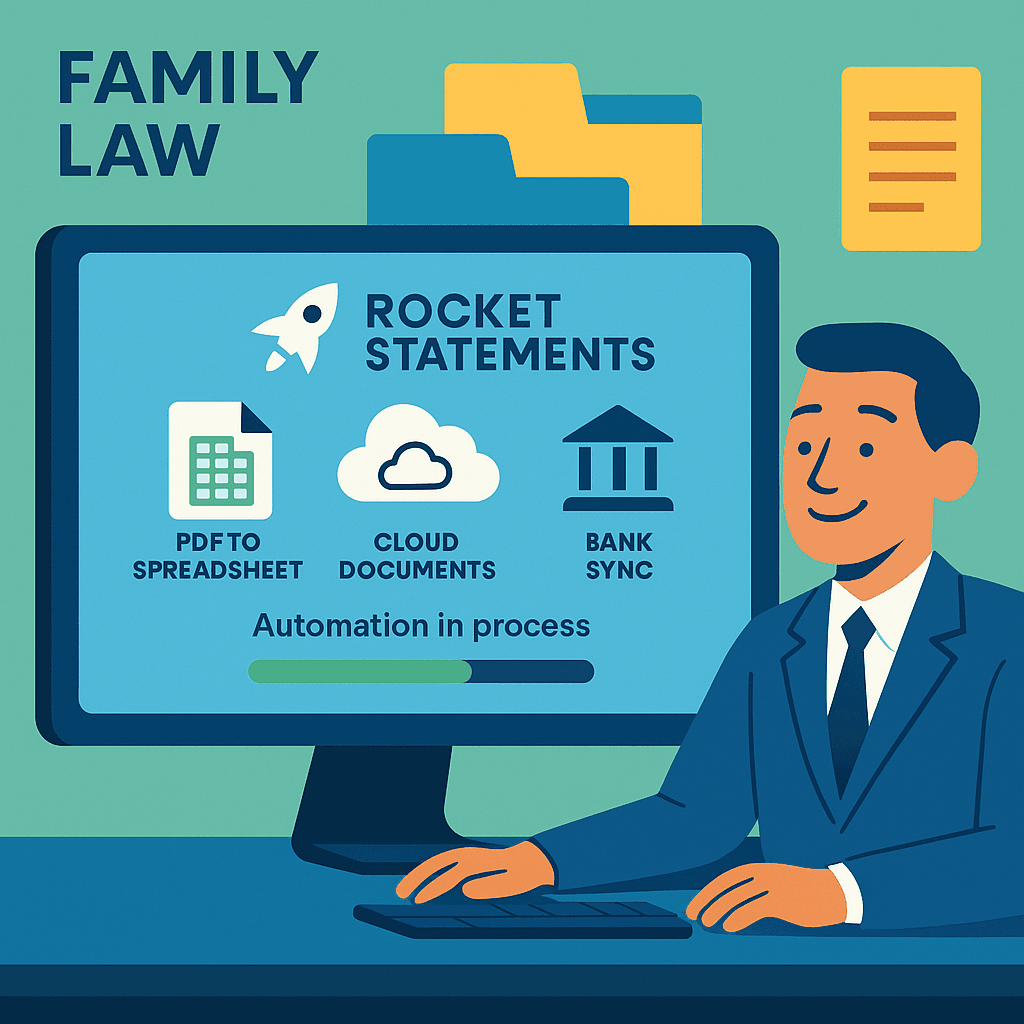
For a practical vendor example, our website recommends evaluating legal technology solutions such as Rocket Statements, which extracts statements, stores documents in the cloud, and syncs transactions to reduce manual reconciliation time. Use this guide to compare a DIY approach against a product-led workflow and decide which option saves your firm time and lowers discovery risk.
Understanding the Challenges in Financial Discovery for Family Law Firms
Family law firms often face significant hurdles during the financial discovery process. The manual review and organization of bank statements can be time-consuming and error-prone, leading to inefficiencies that affect case outcomes and client satisfaction. By leveraging bank statement automation for family law firms, these challenges can be mitigated, allowing legal professionals to focus on more critical aspects of their cases.
Common Challenges in Financial Discovery
- Time-Consuming Manual Processes: Sorting through physical or PDF bank statements manually can take hours, if not days. This time could be better spent on strategic case planning.
- Data Accuracy Issues: Manually inputting financial data increases the risk of errors, which can compromise case integrity.
- Document Management: Keeping track of numerous financial documents can be overwhelming without a proper system in place.
How Bank Statement Automation Can Help
Bank statement automation tools like Rocket Statements streamline the financial discovery process by:
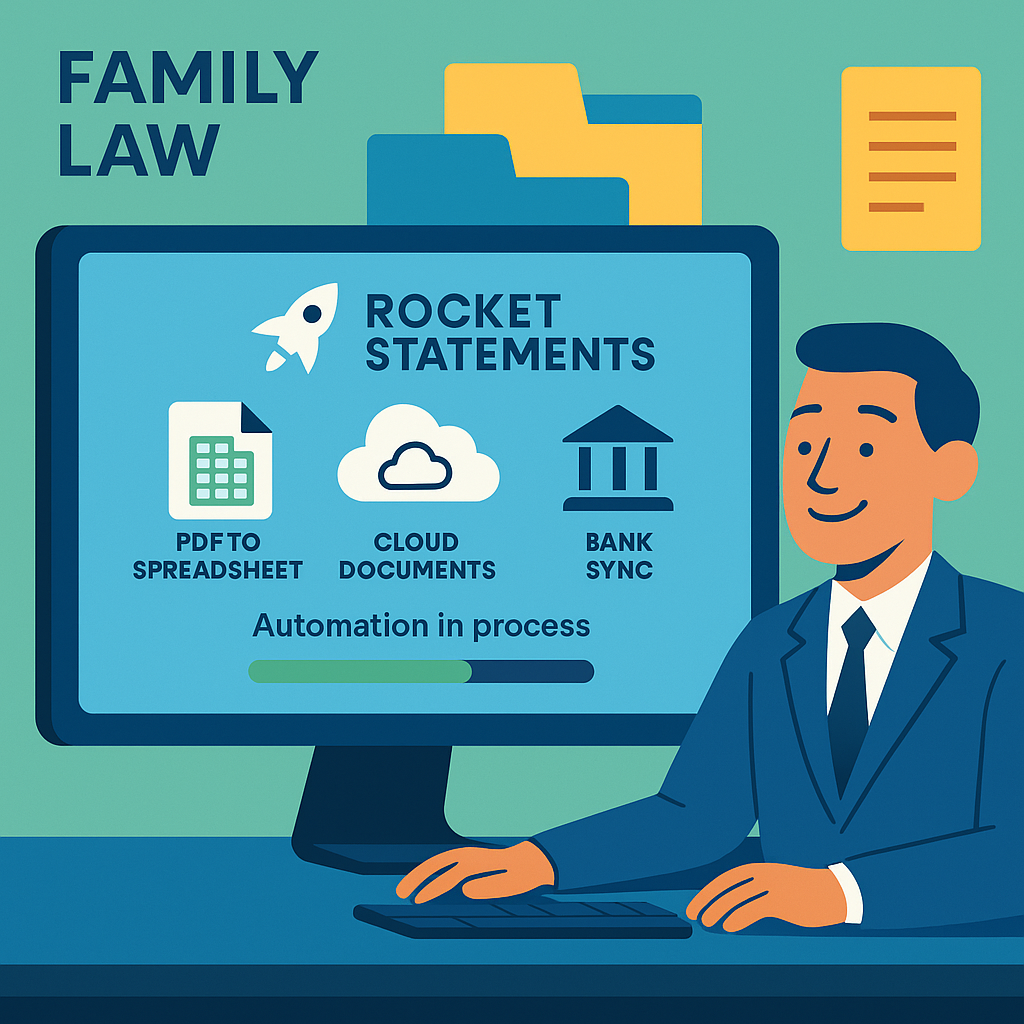
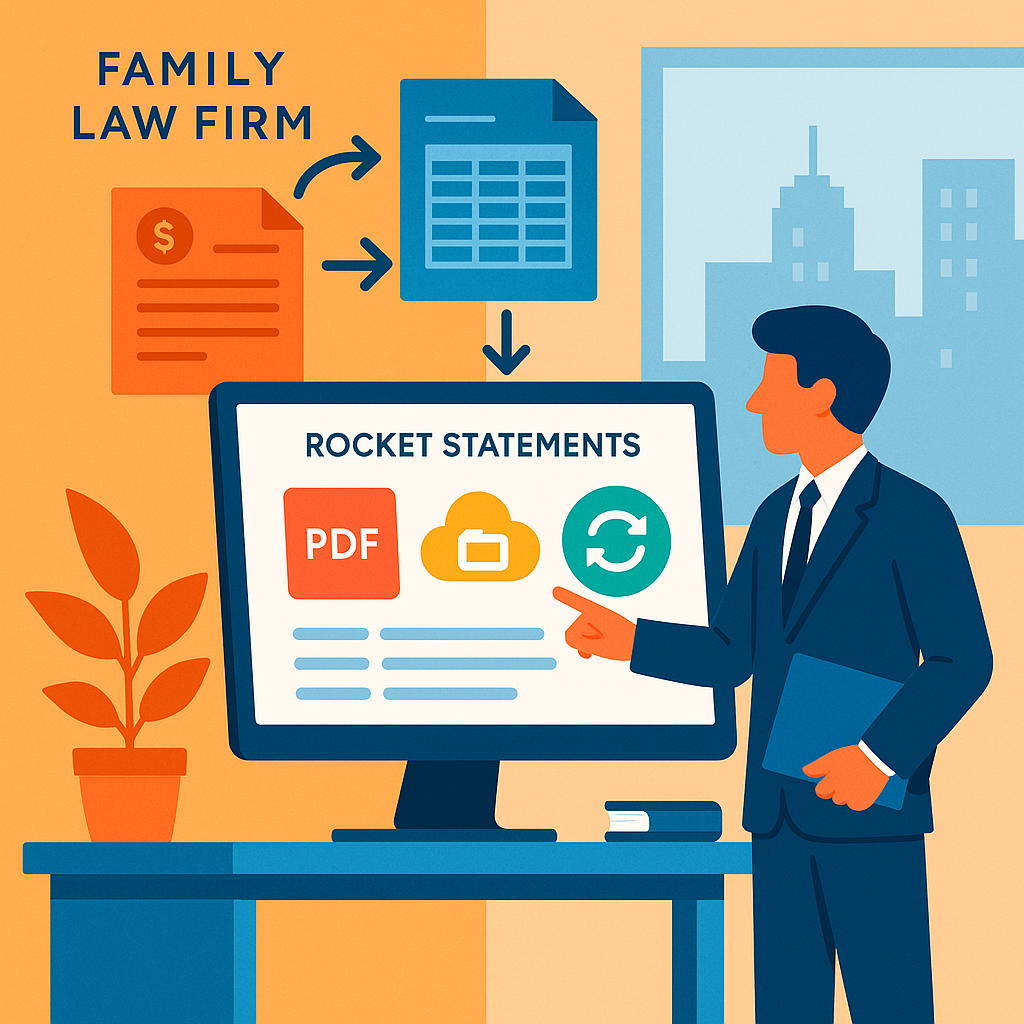
- Converting PDF and Image Statements into Spreadsheets: Quickly transform bank statements into usable data formats such as CSV or Excel.
- Cloud Document Management: Organize documents in the cloud with folders and subfolders, ensuring easy access and retrieval.
- Live Data Syncing: Sync transactions directly from bank accounts for real-time financial insights.
Benefits of Using Rocket Statements
- Increased Efficiency: Automate financial discovery for law firms to save time and reduce manual workload.
- Enhanced Accuracy: Minimize errors with precise data conversion and management.
- Improved Organization: Manage documents seamlessly in the cloud, enhancing accessibility and collaboration.
💡 Tip: Explore more about how Rocket Statements can enhance your legal practice by visiting our Legal Technology Solutions page.
Step-by-Step Guide to Automating Bank Statements with Rocket Statements
Learn how to effectively use Rocket Statements to automate the conversion of bank statements and manage them efficiently. This guide will walk you through the process, helping your family law firm save valuable time.
Step 1: Upload Bank Statements
To get started, log into your Rocket Statements account. Navigate to the upload section and select the bank statements you wish to convert. You can upload PDF or image files directly from your computer.
💡 Tip: Ensure your documents are clear and legible for optimal conversion results.
Step 2: Convert to Spreadsheets
Once your files are uploaded, Rocket Statements will automatically convert your bank statements into spreadsheets. You can choose from various formats like CSV, Excel, or QuickBooks-compatible files.
- Convert bank statements to spreadsheets
- Transform into CSV, Excel, JSON, and PDF
Step 3: Organize in the Cloud
Utilize Rocket Statements' cloud document management to organize your converted files. Create folders and subfolders to keep your documents neatly arranged, making retrieval quick and easy.
⚠️ Warning: Regularly back up your data to prevent any loss.
Step 4: Sync Live Transactions
Enhance your workflow by syncing live transactions from your bank accounts. This feature allows legal professionals to keep financial data up-to-date without manual entries.
- Sync bank transactions for legal professionals
- Integrates with QuickBooks Online
Step 5: Export and Use
Finally, export your organized and converted data to use in your legal processes. Whether you need them for audits or client meetings, having your data ready at hand will streamline your operations.
- Export to QuickBooks or Excel
- Manage files in the cloud
For more insights on how Rocket Statements can benefit your law firm, explore our legal technology solutions and discover the full potential of bank statement automation.
Tips and Best Practices for Effective Bank Statement Management
Managing bank statements efficiently is crucial for family law firms handling complex financial discovery processes. Implementing bank statement automation can transform the way you manage financial documents, saving time and reducing errors. Here are some tips and best practices to help you streamline this process:
Organize Financial Documents for Legal Cases
- Create a Structured Filing System: Use folders and subfolders to categorize documents by case or client. This makes retrieval faster and more efficient.
- Leverage Cloud Storage: Platforms like Rocket Statements offer cloud-based solutions to store and manage documents securely, ensuring access from anywhere.
- Regularly Update and Audit: Schedule periodic audits to ensure all documents are up-to-date and correctly filed.
💡 Tip: Use Rocket Statements to convert and organize your bank statements into QuickBooks-compatible files for seamless financial management.
Utilize Bank Statement OCR for Law Firms
- Automate Data Entry: Use OCR technology to extract data from bank statements automatically, reducing manual entry errors.
- Integrate with Existing Tools: Ensure your OCR solution can integrate with other legal tools you use, enhancing workflow efficiency.
- Verify Accuracy: Regularly check the accuracy of the data extracted to maintain high standards of document integrity.
Law Firm Tools for High Net Worth Clients
- Tailor Solutions: Customize document management solutions to meet the specific needs of high net worth clients, who often have more complex financial portfolios.
- Enhance Client Communication: Use tools that allow for easy sharing and collaboration on financial documents with clients.
- Prioritize Security: Ensure all tools and platforms used comply with legal standards for data protection and confidentiality.
For more insights on legal technology solutions, explore our Blog.
Embrace Efficiency with Bank Statement Automation
Automate statement parsing to cut document-prep time and reduce transcription errors. For example, a small family law firm that replaces manual entry with automated parsing can shorten statement prep from days to hours and reduce billing disputes caused by transcription mistakes.
Bank statement automation is a software category that converts bank statement PDFs and images into structured, searchable data for legal review. This conversion makes transactions faster to filter, tag, and export while preserving the original PDF for auditability.
Common problems solved for family law partners:
- Manual data entry wastes billable hours. Automated parsing turns scanned statements into spreadsheets so staff spend hours less per case on document prep.
- Poor audit trails make evidence harder to defend. Storing originals alongside parsed entries preserves chain-of-custody and simplifies expert review.
- Reconciliation between legal billing and accounting creates delays. QuickBooks integration removes manual export/import steps and reduces reconciliation steps for partners and their bookkeepers.
- Redaction and access control are error prone when done by hand. Built-in redaction and role-based access cut compliance risk when sharing exhibits.
Doing these tasks manually increases billing delays, creates more client disputes, and raises the risk of missing required redactions. Those consequences lead to lost hourly revenue and possible compliance headaches for the firm.
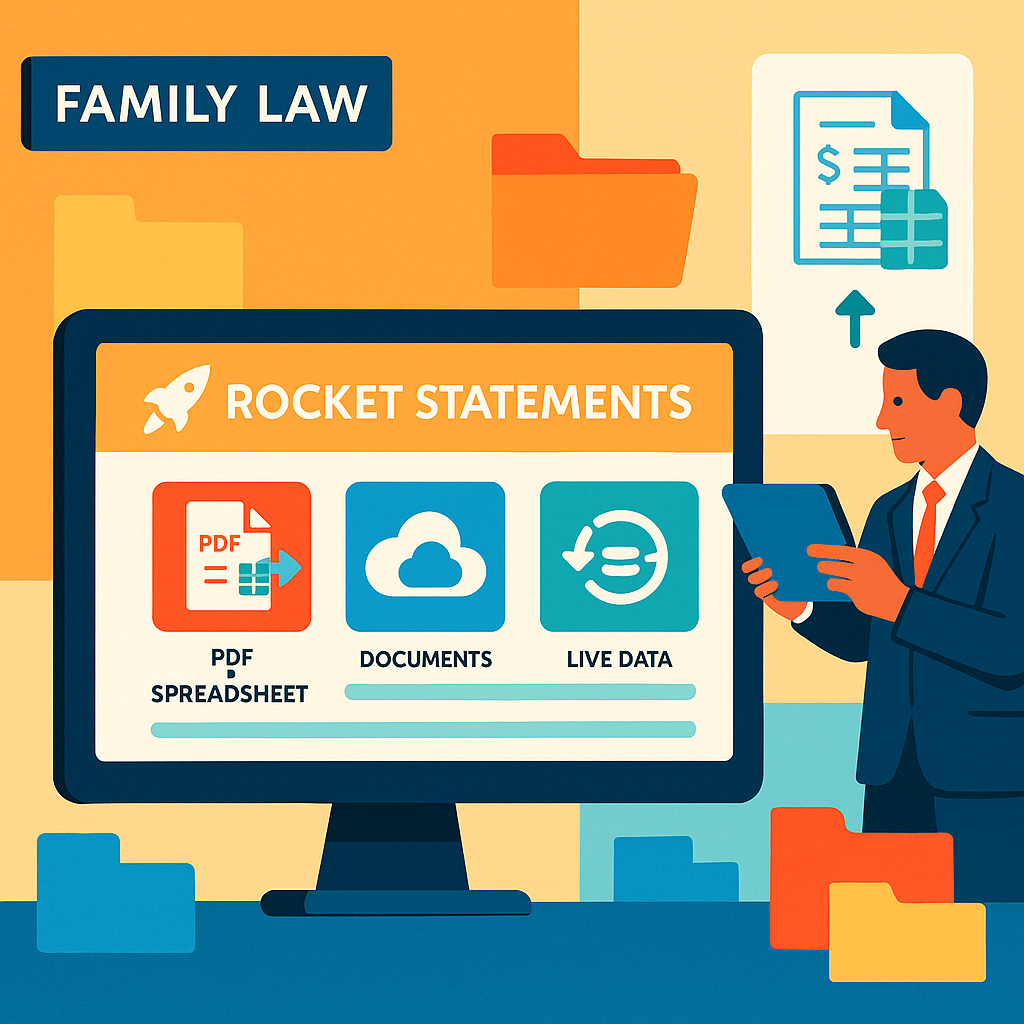
Rocket Statements converts PDFs and images into spreadsheets, keeps original files attached to parsed transactions, integrates with QuickBooks, and offers cloud document management with live transaction syncing to support faster legal review. According to Rocket Statements' documentation, the platform keeps original files attached to parsed data to help preserve auditability.
💡 Tip: Keep original statements and a simple change log for chain-of-custody. Redact sensitive account numbers before sharing documents outside the firm.
Start by stopping manual transcription into spreadsheets as your first task to stop doing. Automate parsing and standard tagging next; failing to do so costs hours per case and increases the chance of billing disputes or missed redactions.
Book a 15-minute demo of Rocket Statements on our Legal Technology Solutions page to see Bank Statement Automation for Family Law Firms applied to a sample case.