
Why OCR Accounting is the Future
Why OCR Accounting is the Future
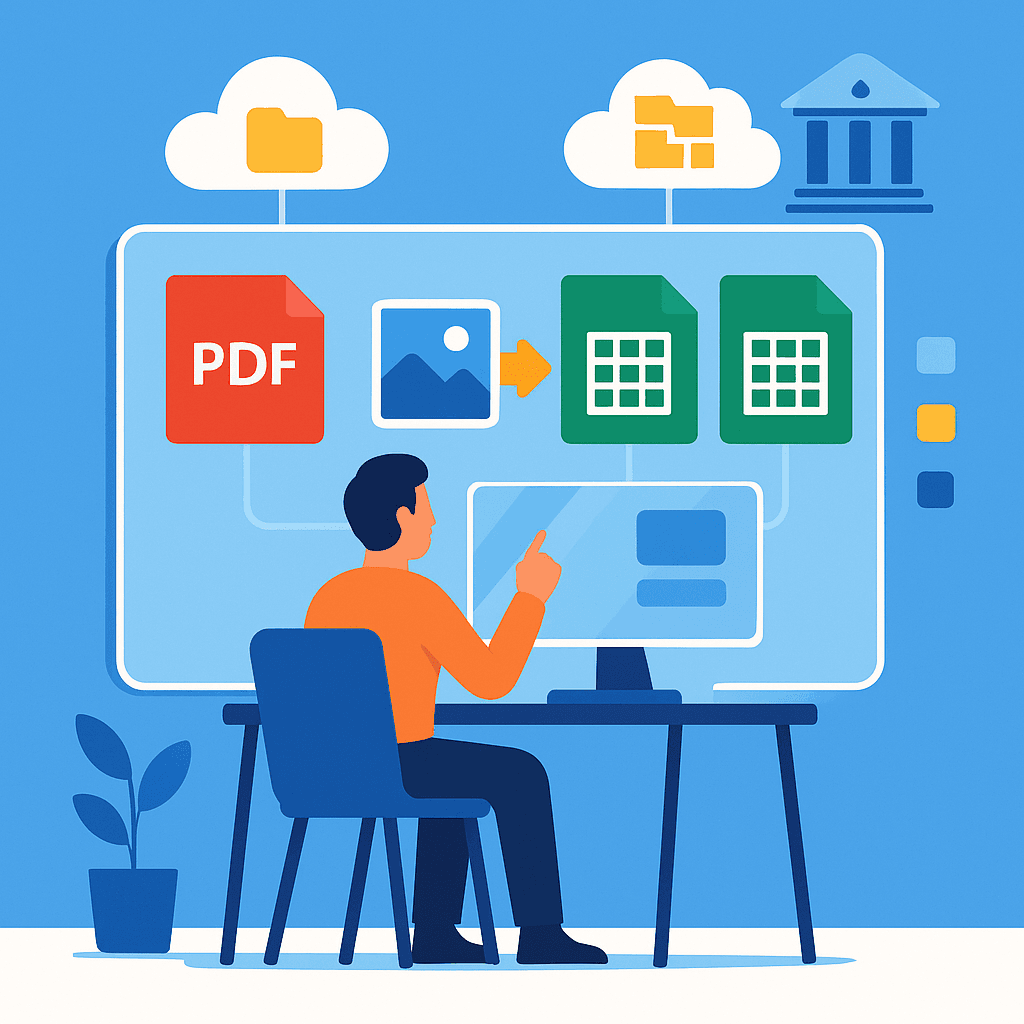
In the rapidly evolving landscape of digital transformation in accounting, OCR accounting emerges as a game-changer. By automating the conversion of statements into spreadsheets, platforms like Rocket Statements are revolutionizing how businesses manage their financial data. This how-to guide explores why OCR accounting is the future, highlighting its benefits in saving time and money. Discover how Rocket Statements can streamline your processes, from syncing live bank transactions to managing documents in the cloud.
Understanding OCR Accounting and Its Benefits
OCR accounting is revolutionizing the way businesses manage their financial data. By leveraging Optical Character Recognition (OCR) technology, companies can automate the conversion of paper and digital documents into structured data. This process not only saves time but also reduces errors associated with manual data entry. As businesses increasingly adopt digital solutions, OCR accounting is becoming essential for modern financial management.
💡 Tip: Explore how our digital transformation in accounting can streamline your financial processes.
What is OCR Accounting? 🤔
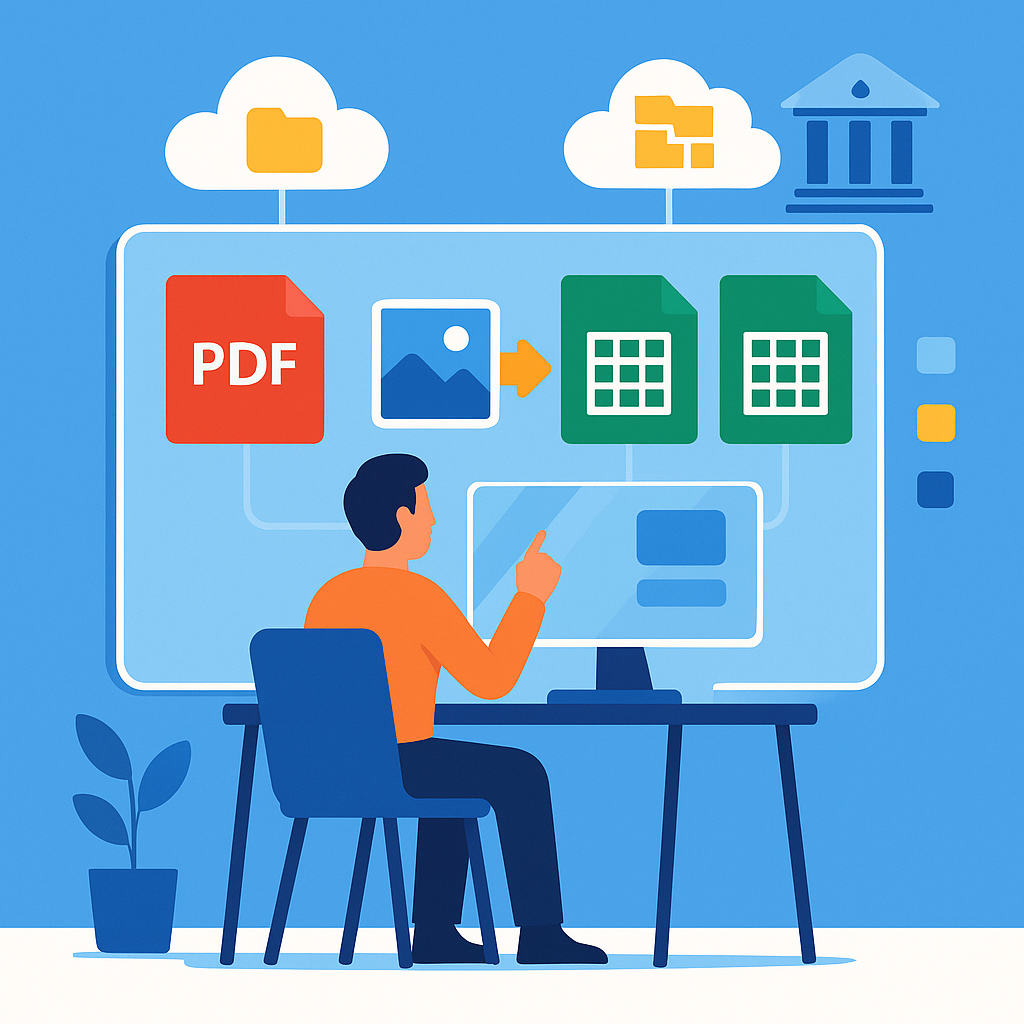
OCR accounting involves using software to scan and convert various types of documents, such as invoices and bank statements, into editable and searchable data formats. This technology is particularly beneficial for businesses that handle large volumes of financial documents, as it significantly reduces the time spent on manual data entry.
Benefits of OCR Accounting Software 🌟
- Time Efficiency: Automates data extraction, allowing accountants to focus on more strategic tasks.
- Error Reduction: Minimizes human errors that occur during manual data entry.
- Cost Savings: Reduces the need for physical storage and paper-based processes.
- Data Accessibility: Facilitates easy access and retrieval of financial data from the cloud.
Why OCR is the Future of Accounting 🚀
The future of OCR in accounting is promising, as it aligns with the growing trend of digital transformation. Tools like Rocket Statements exemplify how OCR accounting software benefits businesses by offering features such as:
- Converting PDF and image statements into spreadsheets
- Managing documents in the cloud with folders and subfolders
- Syncing live transaction data from bank accounts
- Transforming statements into QuickBooks compatible files
By integrating OCR technology, businesses can enhance their financial management capabilities, paving the way for a more efficient and error-free accounting process. For more insights, check out our blog on reducing manual data entry.
How OCR Accounting Saves Time and Money
OCR accounting is revolutionizing the way businesses handle their financial data, offering significant time and cost savings. By automating financial statements with OCR, businesses can streamline their accounting processes and focus on more strategic tasks. Here's how you can optimize your financial statement processing using OCR technology:
Step 1: Convert Statements into Spreadsheets 📄
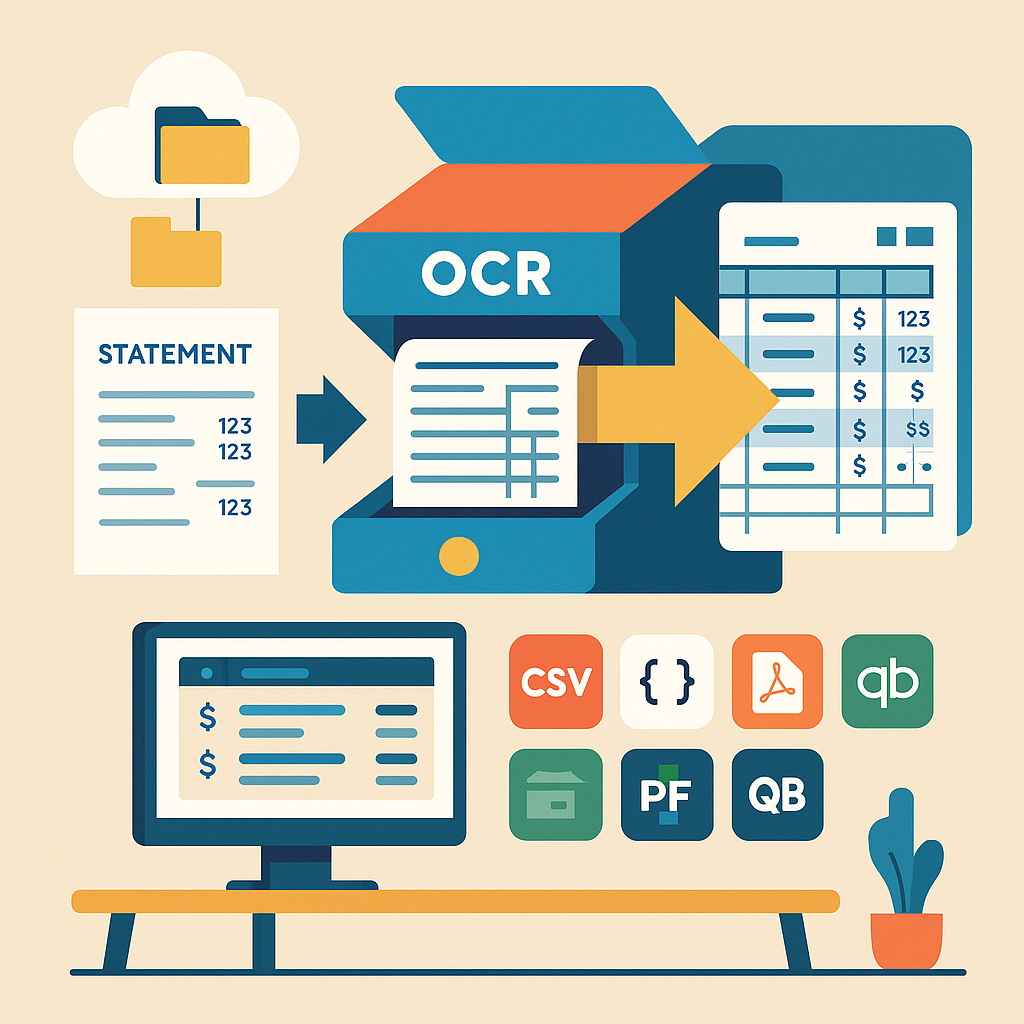
Using a platform like Rocket Statements, you can easily convert PDF and image statements into spreadsheets. This eliminates the need for manual data entry, reducing errors and freeing up valuable time for your team.
💡 Tip: Ensure your scanned documents are clear and legible to maximize OCR accuracy.
Step 2: Manage Documents in the Cloud ☁️
With Rocket Statements, you can manage your documents in the cloud using folders and subfolders. This feature allows for easy organization and retrieval of financial records, ensuring that your data is always accessible and secure.
Step 3: Sync Live Transactions Data 🔄
Syncing live transaction data from your bank accounts keeps your financial records up-to-date. This real-time data integration supports accurate financial analysis and reporting, which is crucial for informed decision-making. Explore our bank integrations to see how easy it is to connect your accounts.
Step 4: Transform Statements into Various Formats 📊
Rocket Statements allows you to transform your statements into CSV, Excel, JSON, and PDF files. This flexibility ensures compatibility with various accounting software, including QuickBooks. Learn more about our QuickBooks integration to streamline your accounting workflows.
By leveraging OCR accounting, businesses can significantly reduce the time and resources spent on managing financial statements, leading to improved efficiency and cost savings. For more insights on digital transformation in accounting, visit our blog.
Maximizing OCR Features with Rocket Statements
Rocket Statements offers powerful OCR accounting capabilities that can transform how you manage financial data. By leveraging these features, you can streamline your accounting processes and reduce manual data entry. Here's how to make the most of Rocket Statements' OCR features:
Convert Statements into Spreadsheets Effortlessly 📄
With Rocket Statements, converting PDF and image statements into spreadsheets is a breeze. Simply upload your documents, and our platform will automatically extract the data and format it into CSV, Excel, or QuickBooks-compatible files. This feature not only saves time but also minimizes errors associated with manual data entry.
💡 Tip: Ensure your PDF files are clear and legible for the best OCR results.
Organize Documents in the Cloud ☁️
Effective document management is key to maximizing efficiency. Use Rocket Statements to manage your documents in the cloud with folders and subfolders. This organizational structure makes it easy to retrieve and review your financial documents whenever needed.
⚠️ Warning: Regularly back up your data to prevent any accidental loss.
Sync Live Transactions for Real-Time Insights 🔄
Stay updated with your financial data by syncing live transactions from your bank accounts. This feature allows you to maintain a real-time view of your financial status, aiding in better decision-making and financial planning.
- Integrates with QuickBooks Online
- Works with major banks like Bank of America and Wells Fargo
For more insights on digital transformation in accounting, visit our digital transformation in accounting page.
Embrace the Future of Accounting with OCR
OCR accounting is undeniably reshaping the landscape of financial management. As businesses strive for efficiency and accuracy, the benefits of OCR accounting software become increasingly evident. By automating financial statements with OCR, companies can save valuable time and resources, allowing them to focus on strategic growth. The future of OCR in accounting promises even greater advancements, with tools like Rocket Statements leading the charge.
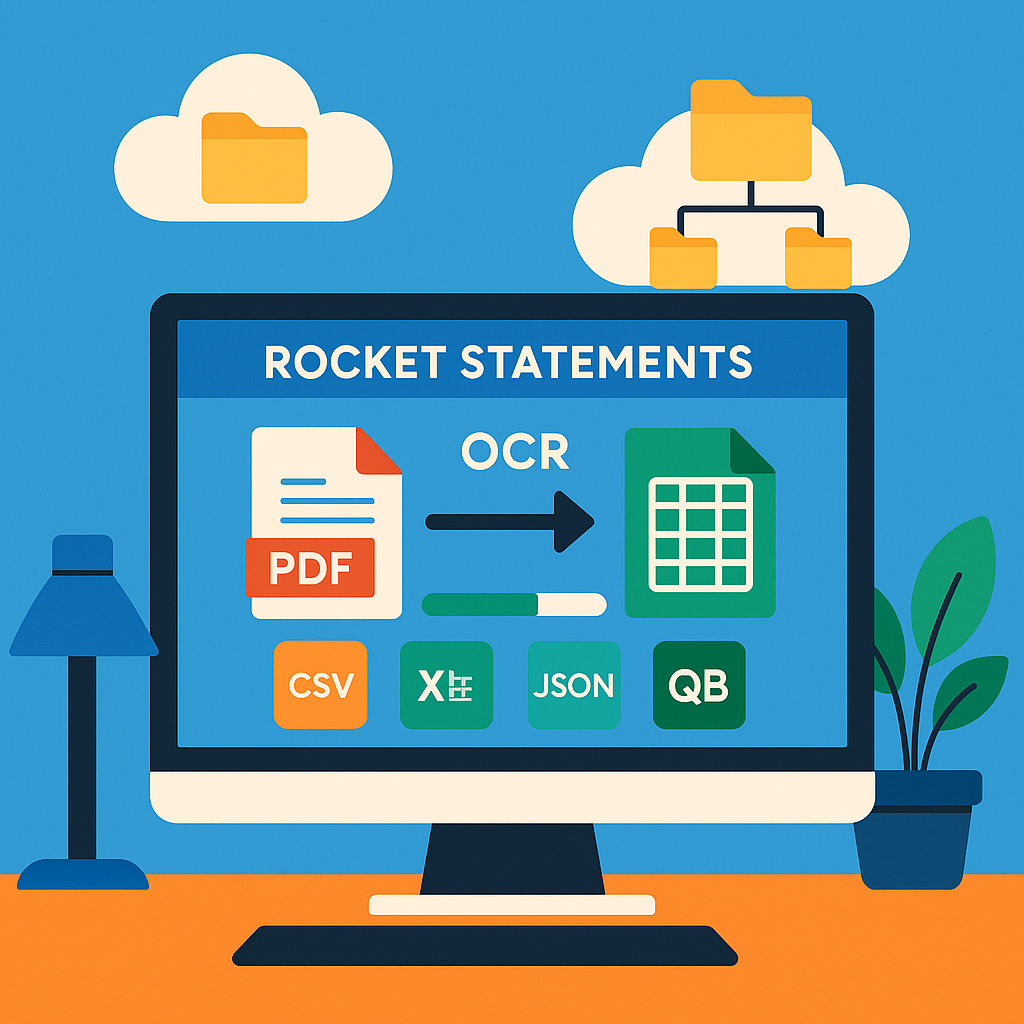
Rocket Statements offers a comprehensive platform that transforms how businesses manage financial data. With features like converting PDF and image statements into spreadsheets, managing documents in the cloud, and syncing live transactions from bank accounts, Rocket Statements ensures seamless integration into your accounting processes.
To explore how Rocket Statements can revolutionize your financial management, visit our digital transformation in accounting page and take the first step towards a more efficient future.